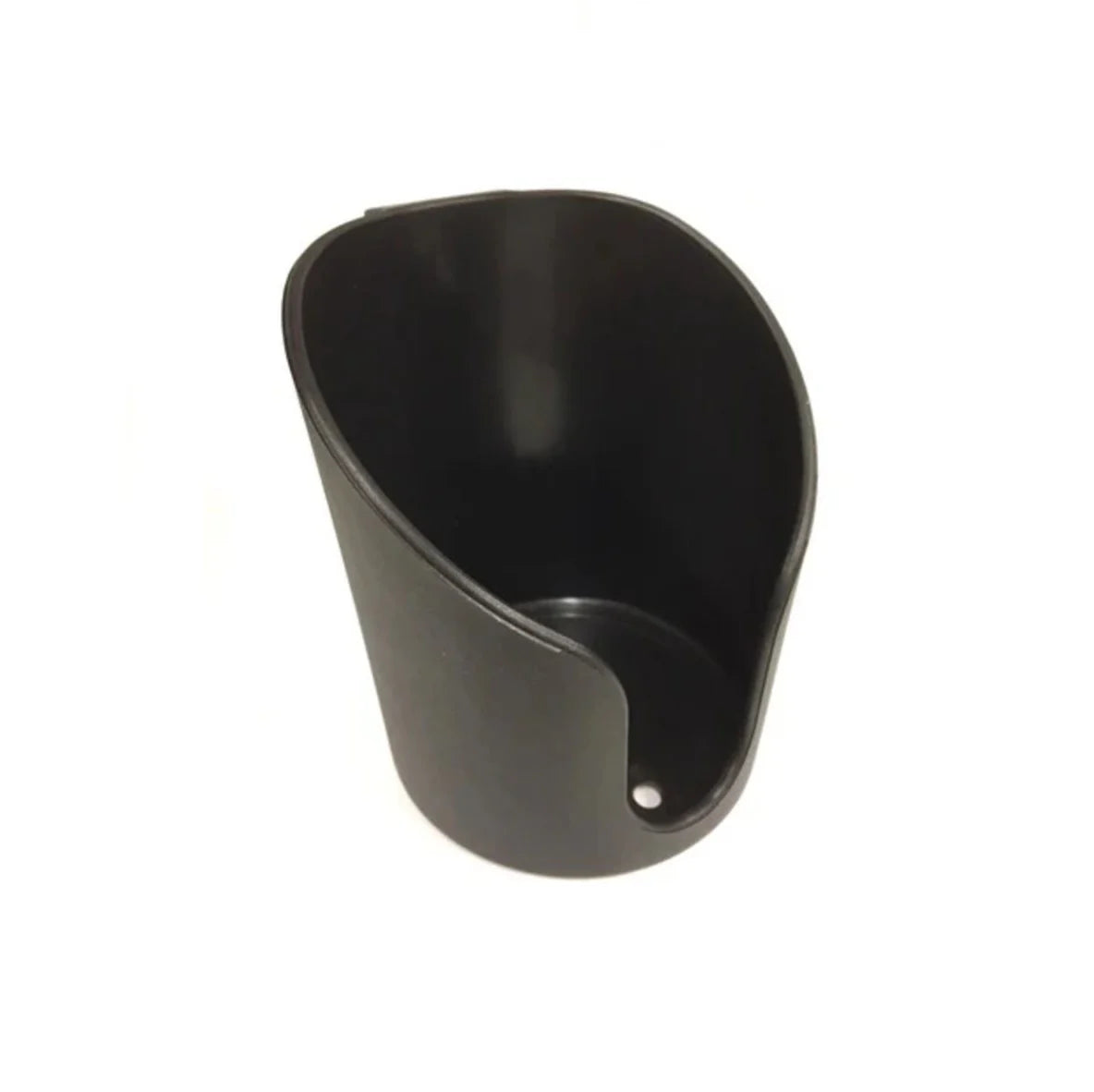
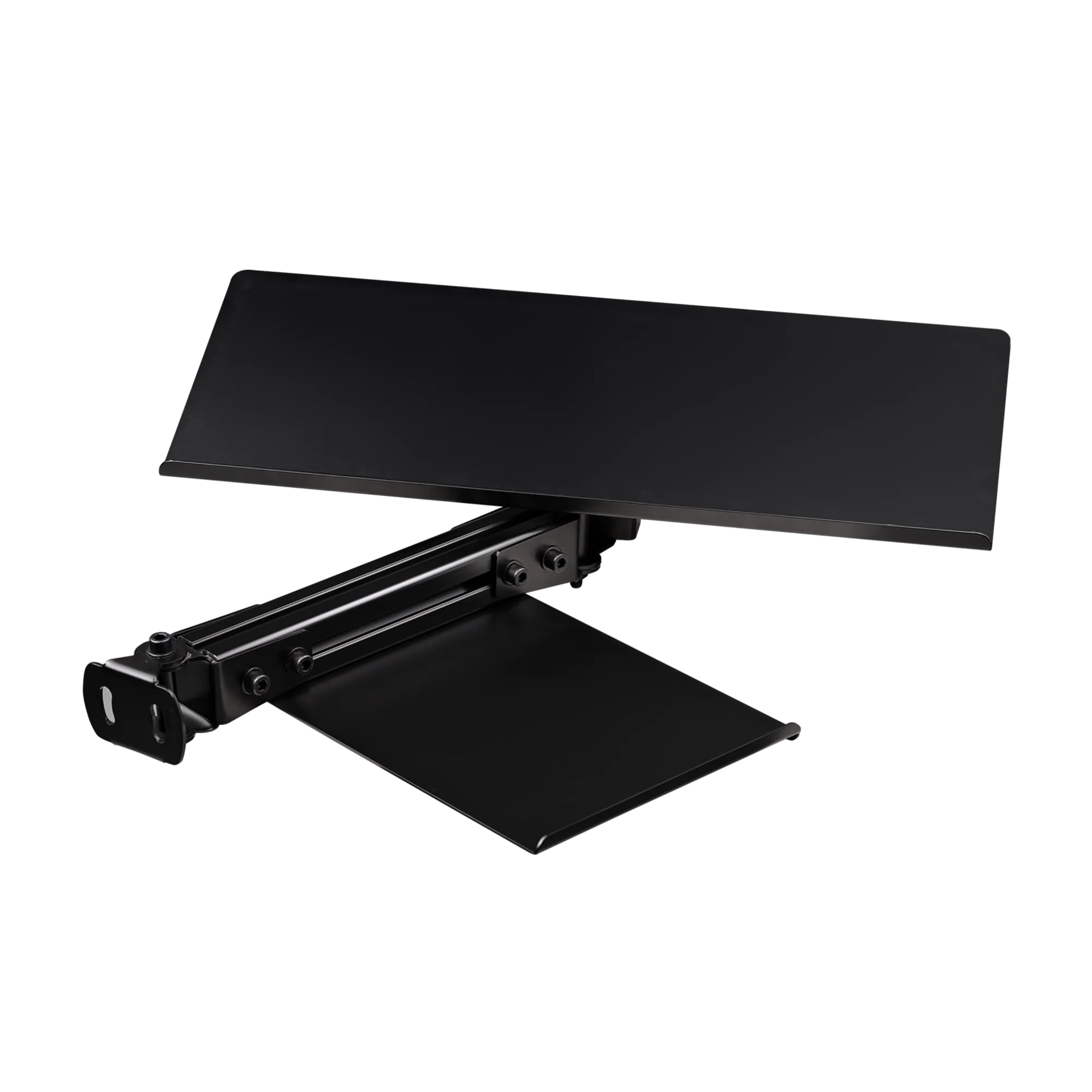
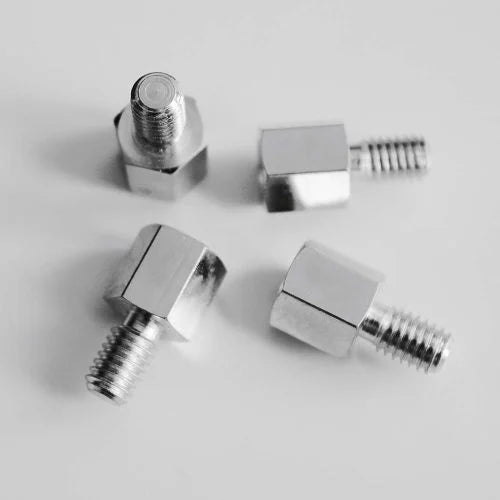
Only what your equipment demands: a shifter or handbrake mount if you run one, a keyboard tray for menus and setups, and a monitor solution if it is not handled separately. Cockpits typically arrive with the essential decks included - resist buying the whole shelf on day one and add pieces as the rig evolves.
Do these accessories fit all aluminium profile cockpits?
Mostly yes - accessories clamp into T-slots with T-nuts, so the deciding factor is the profile size and slot width, not the cockpit brand. Each product lists which profiles and chassis it supports; send us your cockpit model if you want a combination confirmed before ordering.
Where should a shifter or handbrake mount sit?
Where your hand naturally falls from the wheel - typically beside your thigh on the right side rail, mirroring a real car's console. Good side mounts adjust height, depth and angle, and a solid mount matters more than it seems: handbrake pulls and aggressive shifts put real force through it.
Can I attach a keyboard and mouse to the rig?
Yes - keyboard trays mount to the side profiles within seated reach, which you will appreciate every time a sim wants a setup change or a server password mid-session. Swiveling and foldable designs keep the tray out of the way while driving.
What tools do I need for cockpit accessories?
Almost always just hex keys - accessories clamp with T-nuts and bolts into the existing slots, no drilling. The practical tip: slide-in T-nuts sometimes need an open profile end, while drop-in (hammer) T-nuts install anywhere on an assembled rig - worth checking which type an accessory ships with.
Choosing a selection results in a full page refresh.
Opens in a new window.
My Rewards
Loading...
Nakupujete na firmu?
1. V pokladni najprv vyplňte dodaciu adresu.
2. Pole „IČ DPH" (Company VAT number) sa zobrazí až po vyplnení dodacej adresy - nájdete ho priamo pod ňou. Po zadaní platného IČ DPH sa pri dodaní do inej krajiny EÚ automaticky odpočíta DPH (prenesenie daňovej povinnosti).
3. Fakturačnú adresu firmy zadáte v spodnej časti pokladne, nad tlačidlom na dokončenie objednávky - zvoľte „Použiť inú fakturačnú adresu", ak sa líši od dodacej.
IČ DPH overujeme automaticky cez systém VIES. Ak sa DPH neodpočíta, kontaktujte nás ešte pred odoslaním objednávky - pomôžeme vám.
Súkromná objednávka s doručením na firemnú adresu?
1. Ako dodaciu adresu zadajte adresu svojho pracoviska.
2. Keďže ide o súkromný nákup, nezabudnite zadať svoju súkromnú fakturačnú adresu - v spodnej časti pokladne, nad tlačidlom na dokončenie objednávky, zvoľte „Použiť inú fakturačnú adresu".
Nakupujete na firmu?
1. V pokladně nejprve vyplňte dodací adresu.
2. Pole „DIČ" (Company VAT number) se zobrazí až po vyplnění dodací adresy - najdete ho přímo pod ní. Po zadání platného DIČ se při dodání do jiné země EU automaticky odečte DPH (přenesení daňové povinnosti).
3. Fakturační adresu firmy zadáte ve spodní části pokladny, nad tlačítkem pro dokončení objednávky - zvolte „Použít jinou fakturační adresu", pokud se liší od dodací.
DIČ ověřujeme automaticky přes systém VIES. Pokud se DPH neodečte, kontaktujte nás ještě před odesláním objednávky - pomůžeme vám.
Soukromá objednávka s doručením na firemní adresu?
1. Jako dodací adresu zadejte adresu svého pracoviště.
2. Jelikož jde o soukromý nákup, nezapomeňte zadat svou soukromou fakturační adresu - ve spodní části pokladny, nad tlačítkem pro dokončení objednávky, zvolte „Použít jinou fakturační adresu".
Kaufen Sie als Unternehmen ein?
1. Geben Sie im Checkout zuerst die Lieferadresse ein.
2. Das Feld „USt-IdNr." (Company VAT number) erscheint erst nach Eingabe der Lieferadresse - direkt darunter. Bei einer gültigen USt-IdNr. wird die Mehrwertsteuer bei Lieferung in ein anderes EU-Land automatisch abgezogen (Reverse-Charge-Verfahren).
3. Die Rechnungsadresse des Unternehmens geben Sie im unteren Teil des Checkouts an, oberhalb des Buttons zum Abschließen der Bestellung - wählen Sie „Andere Rechnungsadresse verwenden", falls sie von der Lieferadresse abweicht.
Die USt-IdNr. wird automatisch über das VIES-System geprüft. Falls die Mehrwertsteuer nicht abgezogen wird, kontaktieren Sie uns vor Abschluss der Bestellung - wir helfen Ihnen gerne.
Privatbestellung mit Lieferung an eine Firmenadresse?
1. Geben Sie als Lieferadresse die Adresse Ihres Arbeitsplatzes ein.
2. Da es sich um einen privaten Kauf handelt, vergessen Sie nicht, Ihre private Rechnungsadresse anzugeben - wählen Sie im unteren Teil des Checkouts, oberhalb des Buttons zum Abschließen der Bestellung, „Andere Rechnungsadresse verwenden".
Vous achetez pour une entreprise ?
1. Au moment du paiement, saisissez d'abord l'adresse de livraison.
2. Le champ « Numéro de TVA » (Company VAT number) apparaît uniquement après la saisie de l'adresse de livraison - juste en dessous. Avec un numéro de TVA intracommunautaire valide, la TVA est automatiquement déduite pour une livraison vers un autre pays de l'UE (autoliquidation).
3. L'adresse de facturation de l'entreprise se saisit en bas de la page de paiement, au-dessus du bouton de finalisation de la commande - choisissez « Utiliser une autre adresse de facturation » si elle diffère de l'adresse de livraison.
Le numéro de TVA est vérifié automatiquement via le système VIES. Si la TVA n'est pas déduite, contactez-nous avant de passer commande - nous vous aiderons.
Commande privée livrée à une adresse professionnelle ?
1. Indiquez l'adresse de votre lieu de travail comme adresse de livraison.
2. S'agissant d'un achat privé, n'oubliez pas de saisir votre adresse de facturation personnelle - en bas de la page de paiement, au-dessus du bouton de finalisation de la commande, choisissez « Utiliser une autre adresse de facturation ».
¿Compra como empresa?
1. En el proceso de pago, introduzca primero la dirección de envío.
2. El campo «Número de IVA» (Company VAT number) aparece solo después de introducir la dirección de envío - justo debajo de ella. Con un NIF-IVA intracomunitario válido, el IVA se deduce automáticamente en envíos a otro país de la UE (inversión del sujeto pasivo).
3. La dirección de facturación de la empresa se introduce en la parte inferior del proceso de pago, encima del botón para completar el pedido - seleccione «Usar una dirección de facturación diferente» si no coincide con la de envío.
El número de IVA se verifica automáticamente a través del sistema VIES. Si el IVA no se deduce, contáctenos antes de realizar el pedido - le ayudaremos.
¿Pedido particular con entrega en una dirección de empresa?
1. Indique la dirección de su lugar de trabajo como dirección de envío.
2. Al tratarse de una compra particular, no olvide introducir su dirección de facturación personal - en la parte inferior del proceso de pago, encima del botón para completar el pedido, seleccione «Usar una dirección de facturación diferente».
Acquisti come azienda?
1. Al checkout, inserisci prima l'indirizzo di spedizione.
2. Il campo «Partita IVA» (Company VAT number) compare solo dopo aver inserito l'indirizzo di spedizione - subito sotto di esso. Con una partita IVA comunitaria valida, l'IVA viene detratta automaticamente per le spedizioni in un altro paese UE (inversione contabile).
3. L'indirizzo di fatturazione dell'azienda si inserisce nella parte finale del checkout, sopra il pulsante per completare l'ordine - seleziona «Usa un indirizzo di fatturazione diverso» se non coincide con quello di spedizione.
La partita IVA viene verificata automaticamente tramite il sistema VIES. Se l'IVA non viene detratta, contattaci prima di effettuare l'ordine - ti aiuteremo.
Ordine privato con consegna a un indirizzo aziendale?
1. Inserisci l'indirizzo del tuo posto di lavoro come indirizzo di spedizione.
2. Trattandosi di un acquisto privato, non dimenticare di inserire il tuo indirizzo di fatturazione personale - nella parte finale del checkout, sopra il pulsante per completare l'ordine, seleziona «Usa un indirizzo di fatturazione diverso».
Koopt u zakelijk in?
1. Vul bij het afrekenen eerst het verzendadres in.
2. Het veld „Btw-nummer" (Company VAT number) verschijnt pas na het invullen van het verzendadres - direct eronder. Bij een geldig btw-nummer wordt de btw bij levering naar een ander EU-land automatisch verrekend (btw verlegd).
3. Het factuuradres van het bedrijf vult u onderaan de checkout in, boven de knop om de bestelling af te ronden - kies „Een ander factuuradres gebruiken" als dit afwijkt van het verzendadres.
Het btw-nummer wordt automatisch gecontroleerd via het VIES-systeem. Wordt de btw niet verrekend, neem dan vóór het plaatsen van de bestelling contact met ons op - we helpen u graag.
Privébestelling bezorgen op een zakelijk adres?
1. Vul het adres van uw werkplek in als verzendadres.
2. Omdat het om een privéaankoop gaat, vergeet niet uw persoonlijke factuuradres in te vullen - kies onderaan de checkout, boven de knop om de bestelling af te ronden, „Een ander factuuradres gebruiken".
Kupujesz na firmę?
1. Podczas składania zamówienia najpierw wypełnij adres dostawy.
2. Pole „Numer VAT" (Company VAT number) pojawi się dopiero po wypełnieniu adresu dostawy - bezpośrednio pod nim. Po podaniu ważnego numeru NIP UE podatek VAT zostanie automatycznie odliczony przy dostawie do innego kraju UE (odwrotne obciążenie).
3. Adres firmy do faktury podasz w dolnej części kasy, nad przyciskiem finalizacji zamówienia - wybierz „Użyj innego adresu rozliczeniowego", jeśli różni się od adresu dostawy.
Numer VAT weryfikujemy automatycznie przez system VIES. Jeśli VAT nie zostanie odliczony, skontaktuj się z nami przed złożeniem zamówienia - pomożemy.
Zamówienie prywatne z dostawą na adres firmowy?
1. Jako adres dostawy podaj adres swojego miejsca pracy.
2. Ponieważ jest to zakup prywatny, nie zapomnij podać swojego prywatnego adresu do faktury - w dolnej części kasy, nad przyciskiem finalizacji zamówienia, wybierz „Użyj innego adresu rozliczeniowego".
Cégként vásárol?
1. A pénztárban először töltse ki a szállítási címet.
2. A „Közösségi adószám" (Company VAT number) mező csak a szállítási cím kitöltése után jelenik meg - közvetlenül alatta. Érvényes közösségi adószám megadásakor az áfa automatikusan levonásra kerül másik EU-országba történő szállítás esetén (fordított adózás).
3. A cég számlázási címét a pénztár alsó részében adhatja meg, a rendelés véglegesítése gomb felett - válassza az „Eltérő számlázási cím használata" lehetőséget, ha eltér a szállítási címtől.
A közösségi adószámot automatikusan ellenőrizzük a VIES rendszeren keresztül. Ha az áfa nem kerül levonásra, vegye fel velünk a kapcsolatot a rendelés leadása előtt - segítünk.
Magánrendelés céges címre szállítva?
1. Szállítási címként adja meg a munkahelye címét.
2. Mivel magánvásárlásról van szó, ne felejtse el megadni a saját, privát számlázási címét - a pénztár alsó részében, a rendelés véglegesítése gomb felett válassza az „Eltérő számlázási cím használata" lehetőséget.
Cumpărați ca firmă?
1. La finalizarea comenzii, completați mai întâi adresa de livrare.
2. Câmpul „Cod de TVA" (Company VAT number) apare doar după completarea adresei de livrare - imediat sub aceasta. Cu un cod de TVA intracomunitar valid, TVA-ul se deduce automat la livrarea în altă țară UE (taxare inversă).
3. Adresa de facturare a firmei se introduce în partea de jos a paginii de plată, deasupra butonului de finalizare a comenzii - selectați „Utilizați o altă adresă de facturare" dacă diferă de adresa de livrare.
Codul de TVA este verificat automat prin sistemul VIES. Dacă TVA-ul nu se deduce, contactați-ne înainte de plasarea comenzii - vă vom ajuta.
Comandă privată livrată la o adresă de firmă?
1. Introduceți adresa locului de muncă drept adresă de livrare.
2. Fiind o achiziție privată, nu uitați să introduceți adresa dumneavoastră personală de facturare - în partea de jos a paginii de plată, deasupra butonului de finalizare a comenzii, selectați „Utilizați o altă adresă de facturare".
Handler du som virksomhed?
1. Udfyld først leveringsadressen ved kassen.
2. Feltet „Momsnummer" (Company VAT number) vises først, når leveringsadressen er udfyldt - lige nedenunder. Med et gyldigt EU-momsnummer fratrækkes momsen automatisk ved levering til et andet EU-land (omvendt betalingspligt).
3. Virksomhedens faktureringsadresse angives nederst i kassen, over knappen til at gennemføre ordren - vælg „Brug en anden faktureringsadresse", hvis den afviger fra leveringsadressen.
Momsnummeret verificeres automatisk via VIES-systemet. Hvis momsen ikke fratrækkes, så kontakt os inden du afgiver ordren - vi hjælper dig.
Privat ordre leveret til en virksomhedsadresse?
1. Angiv adressen på din arbejdsplads som leveringsadresse.
2. Da der er tale om et privat køb, må du ikke glemme at angive din private faktureringsadresse - vælg „Brug en anden faktureringsadresse" nederst i kassen, over knappen til at gennemføre ordren.
Buying for a business?
1. At checkout, fill in the shipping address first.
2. The "Company VAT number" field appears only after the shipping address is filled in - directly below it. With a valid EU VAT number, VAT is automatically deducted for delivery to another EU country (reverse charge).
3. Enter your company billing address at the bottom of the checkout, above the button to complete the order - select "Use a different billing address" if it differs from the shipping address.
VAT numbers are verified automatically via the VIES system. If VAT is not deducted, contact us before placing the order, we will assist you.
Private order shipped to a business address?
1. Enter your workplace address as the shipping address.
2. As this is a private purchase, don't forget to enter your personal billing address - at the bottom of the checkout, above the button to complete the order, select "Use a different billing address".